By the Create AI Tattoo team · Published · Updated
IDEAS → DETAILS → YOUR DESIGN
How to create tattoo designs with AI
A meaningful tattoo starts with a story. Turn that story into a clear visual brief, explore the result, then work with a tattoo artist to make it fit you.
1. Start with something personal
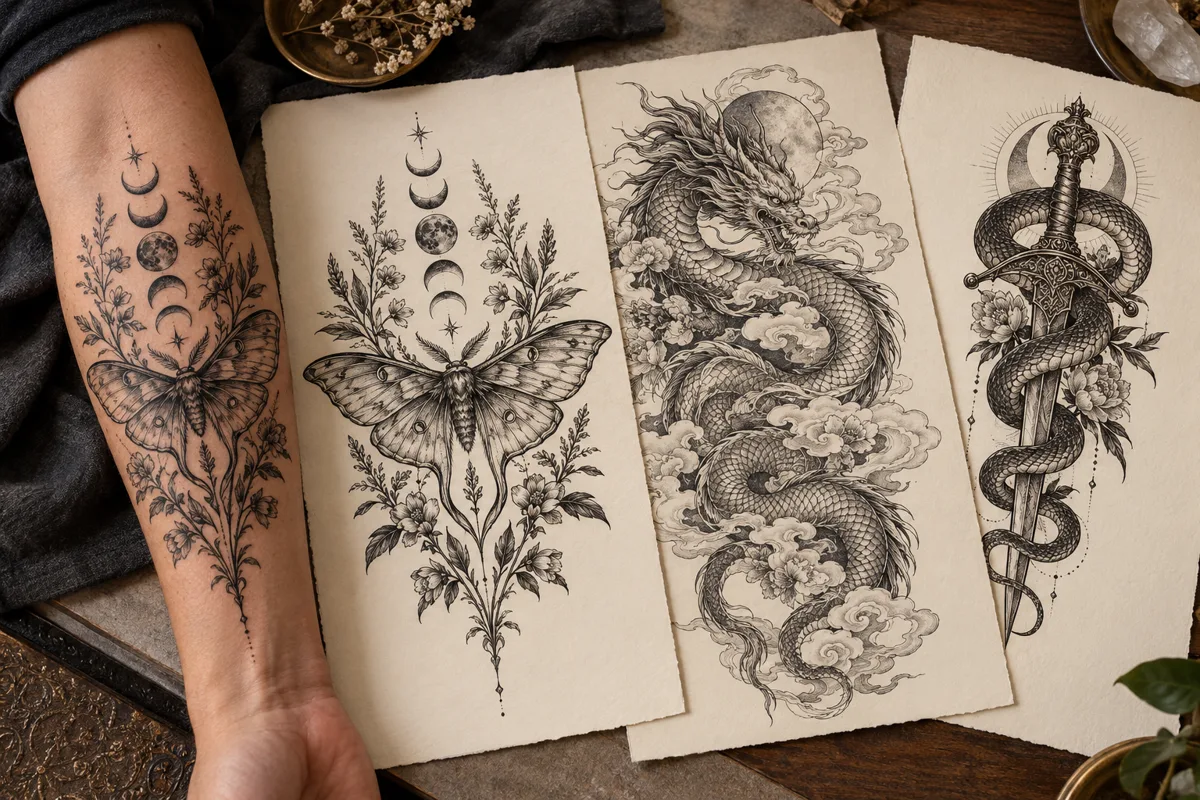
Pick a subject before adding decoration: a moth for change, a place you remember, a favorite animal, or a botanical motif. Describe the visual details that matter to you instead of asking for a generic “beautiful tattoo.”
Our generator creates designs from text. If a photo inspires you, describe its subject, pose and distinguishing features in your prompt.
2. Give your prompt four useful details
Subject
What is the focal point? Try a Japanese dragon winding through layered clouds.
Style
Specify fine line, blackwork, traditional, Japanese, geometric, or black and grey.
Placement
A forearm often benefits from a vertical composition. A back piece has more space for a wider scene.
Detail
Ask for intentional shading and clear negative space. Intricate artwork needs enough room to remain readable.
A prompt you can try
Black and grey moth with detailed wing markings, moon phases and botanical stems. Vertical forearm composition, intricate stippling, clear outlines and open space between the leaves.
Compare that with “moth tattoo”: the fuller brief gives the generator a focal point, composition and visual direction.
3. Explore a style that suits the subject
For a dragon, try flowing Japanese clouds and carefully separated scales. For a rose, compare softly shaded black and grey with strong traditional outlines. For a snake and dagger, use a single winding body, a clear blade silhouette and restrained ornamental detail.
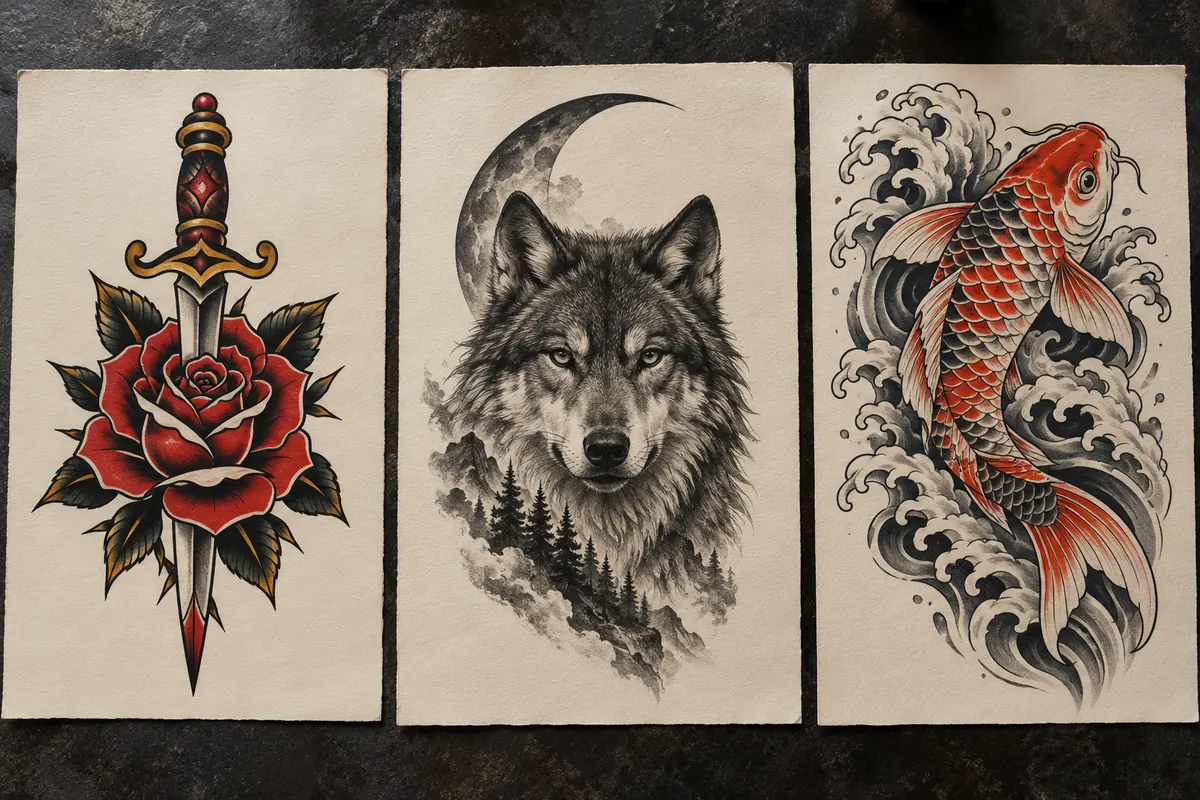
Change one thing at a time. Keeping the subject while changing the style makes results easier to compare.
4. Generate, compare and refine
Create an account to receive 10 free credits, enough for one image. Choose a style, placement and detail level, then generate your design. Each additional image uses 10 credits.
Check the silhouette before the tiny details. Look for extra limbs, broken contours, inconsistent shading or decorations that compete with the main subject. Rewrite the specific part you want to change and generate a fresh concept.
Save your favorite image and your prompt so you can explain your choices later.
Create your first tattoo concept ↗5. Make the final design with your tattoo artist
AI artwork is a starting point. A professional artist can adjust anatomy, scale, spacing and line weight for your body and their technique. A detailed image on a screen does not guarantee that every detail will translate into a lasting tattoo.
Bring the image, the intended placement and a rough size. Ask which elements should be simplified before the final stencil is made.
Common questions
Can I get a tattoo directly from the generated image?
Share it with your tattoo artist first. They can redraw or adapt the concept for placement and practical linework.
Should I always choose intricate detail?
No. A small wrist design usually needs more open space than a large back piece. Choose detail that supports the size and subject.
Can I generate a tattoo from a photo here?
This generator currently takes text descriptions. Describe the elements of your reference photo that you want to keep.